
Distinct Values
This document explains how the distinct values feature in OpenObserve works.
Overview
The distinct values feature speeds up field value lookups, such as the values a dashboard variable lists in its dropdown. When a dashboard variable reads values from a field in a logs or traces stream, OpenObserve records that field as a distinct value field of the stream. While Enable Distinct Values is on for the stream, OpenObserve indexes these fields like secondary index fields, so value lookups are served from the index instead of a full scan.
Where to find it
- Go to Streams.
- In the Actions column, select the Stream Detail icon.
- Open the Configuration tab and use the Enable Distinct Values toggle. It is on by default.
How it works
- When you save a dashboard whose variables read values from a field of a logs or traces stream, OpenObserve adds that field to the stream's distinct value fields.
- While Enable Distinct Values is on, these fields are indexed together with the stream's secondary index fields. The list of distinct value fields stays separate from the Secondary index fields you set in Schema Settings.
- Field value lookups on these fields use the index. Fields that cannot be secondary-indexed, such as full text search keys and partition keys, fall back to a normal scan.
- A field is indexed only from the time it was added. Data written before that is still searched with a normal scan.
Turning Enable Distinct Values off stops indexing these fields. It does not change the Secondary index fields you set yourself.
Legacy distinct_values streams
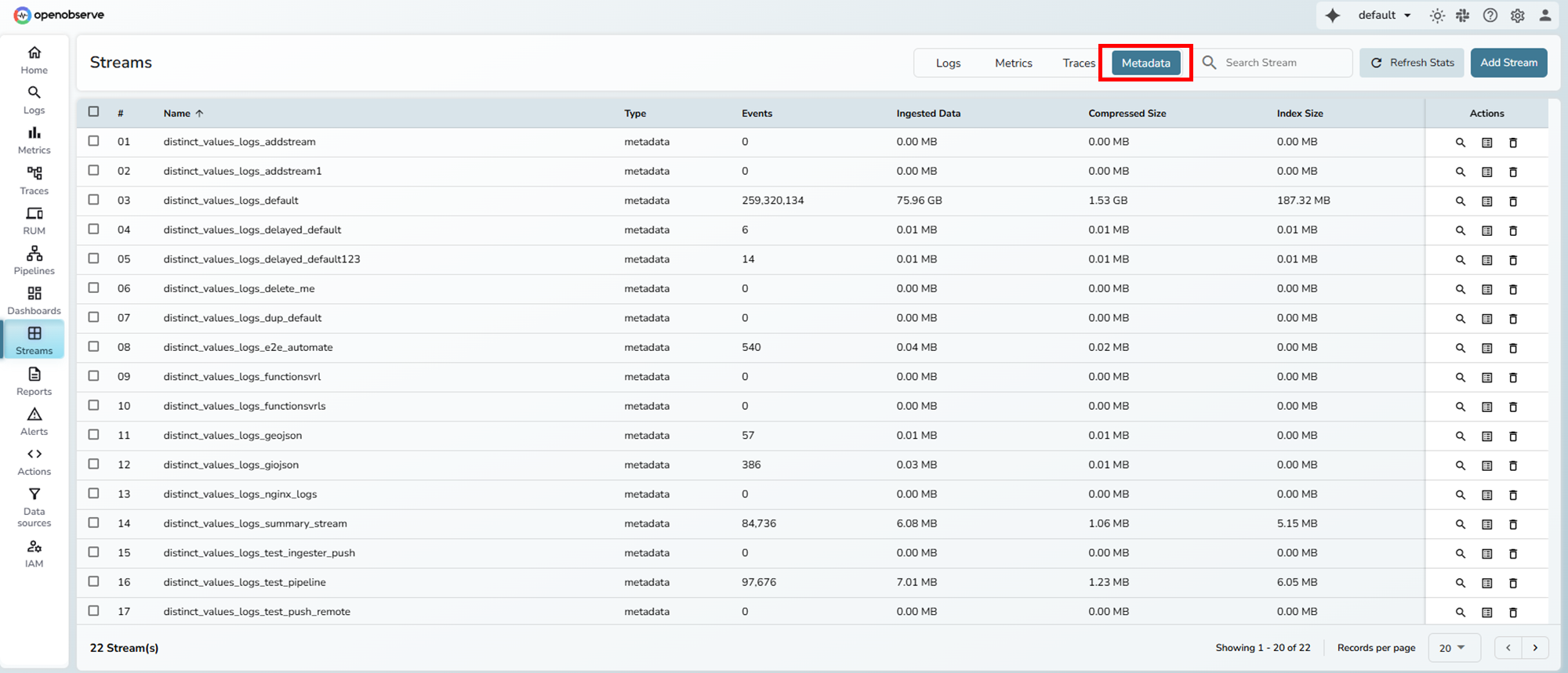
Before v1.0.0, OpenObserve wrote distinct values into metadata streams named distinct_values_<type>_<stream>, for example distinct_values_logs_default, controlled by ZO_DISTINCT_VALUES_INTERVAL and ZO_DISTINCT_VALUES_HOURLY. These environment variables were removed in v1.0.0 and no new records are written to these streams. Existing distinct_values_* streams still appear under Streams > Metadata until their data ages out through retention.
Query Recommendations Stream
Understand the purpose, structure, and usage of the query_recommendations stream in the _meta organization in OpenObserve.
Workflows
Define automated workflows that run when alerts fire. Use the visual builder to transform data, call functions, evaluate conditions, and route results.