Monitor and analyze AWS API activity (e.g., EC2 starts, IAM changes, S3 access) by routing events from CloudTrail → EventBridge → Firehose → OpenObserve.
CloudTrail captures management-level API calls across AWS services
EventBridge filters and routes specific CloudTrail events
Kinesis Firehose delivers those events reliably to OpenObserve over HTTP
Note: EventBridge can send events directly to OpenObserve using its HTTP target support.
However, we recommend using Kinesis Firehose in production for:
IAM permissions to create EventBridge rules and Firehose streams
Step 1: Ensure CloudTrail Management Events Are Enabled
Go to AWS Console → CloudTrail → Trails
Check if a trail exists that logs management events
If not:
Click Create trail
Name the trail (e.g., DefaultManagementTrail)
Enable Management events (Read/Write or Write-only)
Choose an S3 bucket for storage (existing or new)
Complete the trail creation
CloudTrail acts as the source of API activity events across AWS.
Step 2: Get OpenObserve Ingestion URL and Access Key
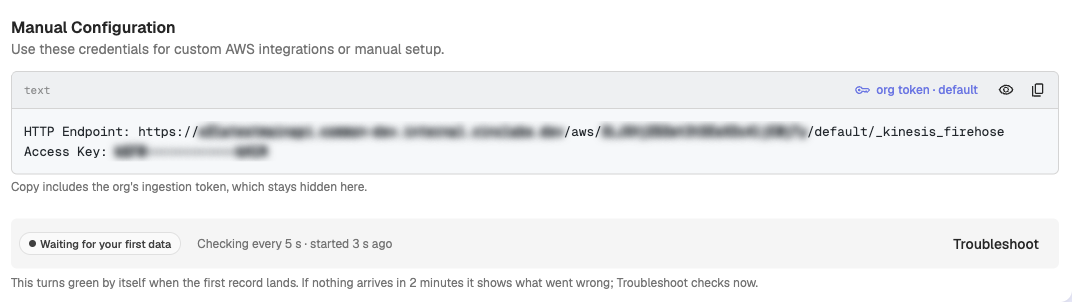
In OpenObserve: go to Data > Data sources > Recommended > Amazon Web Services(AWS). The Manual Configuration block shows the HTTP endpoint and Access Key