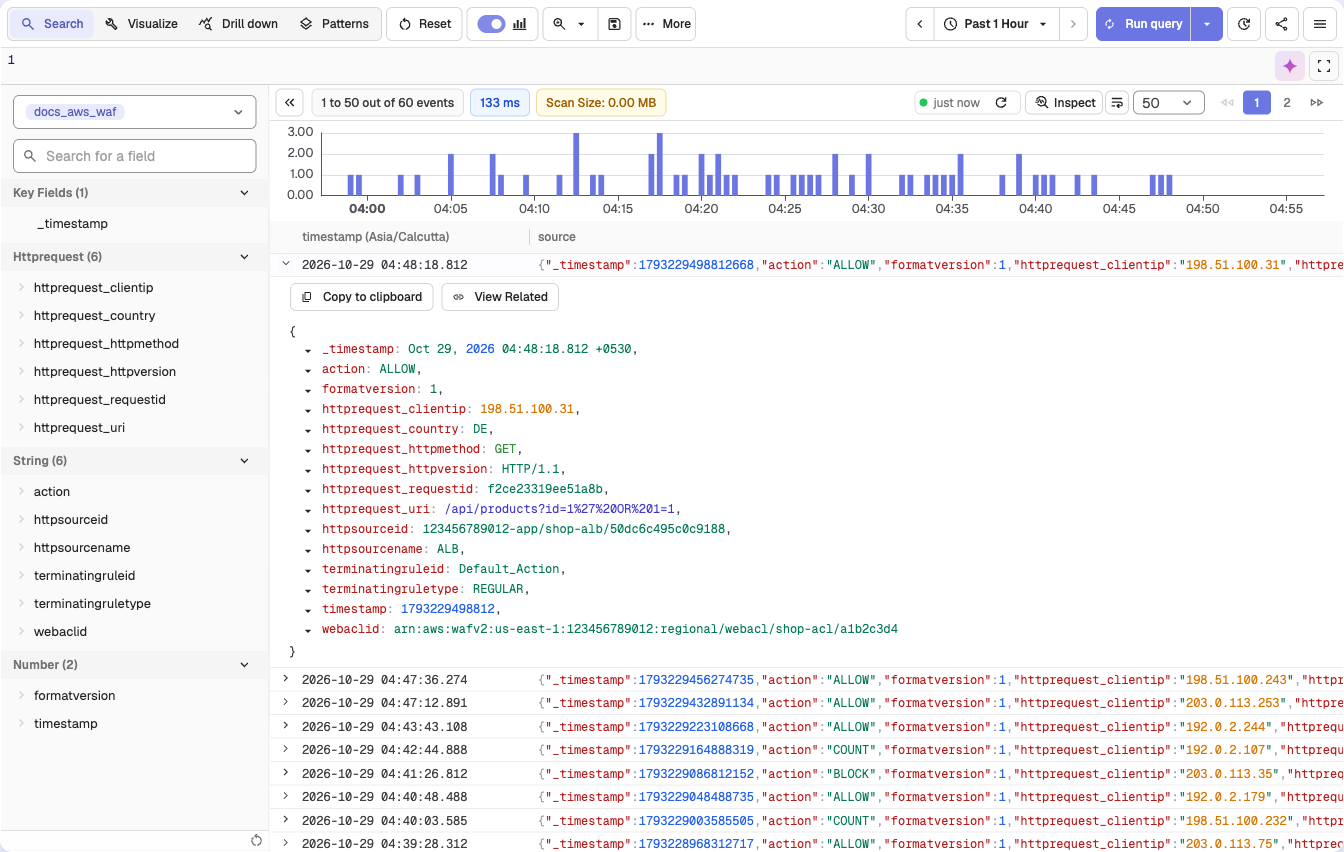
AWS WAF logs include detailed information about requests evaluated against your WebACL rules (e.g., ALLOW, BLOCK, CAPTCHA actions). This integration forwards those logs to OpenObserve via Firehose, enabling real-time monitoring of web traffic security and threat analysis.
AWS IAM permissions to manage WAF, S3, Lambda, Kinesis Firehose, CloudFormation
An existing AWS WAF WebACL attached to CloudFront, ALB, or API Gateway
An S3 bucket to receive WAF logs
Step 1: Enable WAF Logging to S3
Go to AWS Console → WAF & Shield
Select the WebACL you want to log
In the sidebar, click Logging and metrics → Enable logging
Choose your target S3 bucket (must be in the same region as the WebACL)
Make sure your S3 bucket has proper permissions to receive logs from AWS WAF.
Step 2: Get OpenObserve Ingestion URL and Access Key
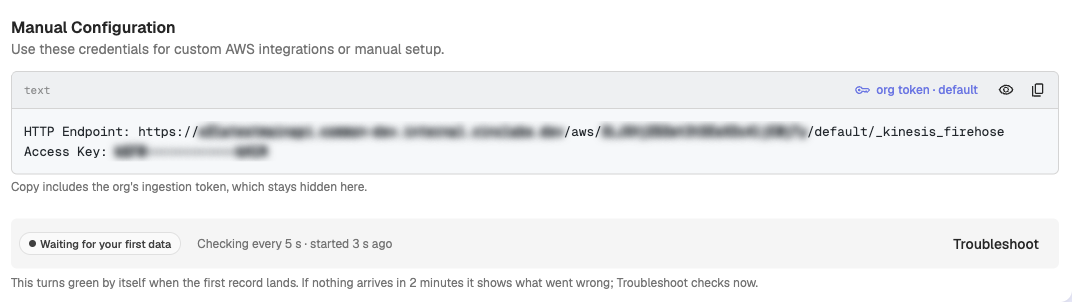
In OpenObserve: go to Data > Data sources > Recommended > Amazon Web Services(AWS). The Manual Configuration block shows the HTTP endpoint and Access Key