
OpenObserve Query Examples
We will use the k8s sample logs data to demonstrate the sample queries that you can use.
To ingest this sample data refer to this guide.
Before you start
- Replace
your_stream_namein the SQL examples with the actual stream name in your OpenObserve setup. - Short snippets like
code = 200ormatch_all('error')are filter expressions for the search bar. FullSELECT ... FROM ...examples are SQL queries and need the SQL Mode toggle enabled.
Text Search Queries
Search all fields containing the word "error" using full-text index:
match_all('error')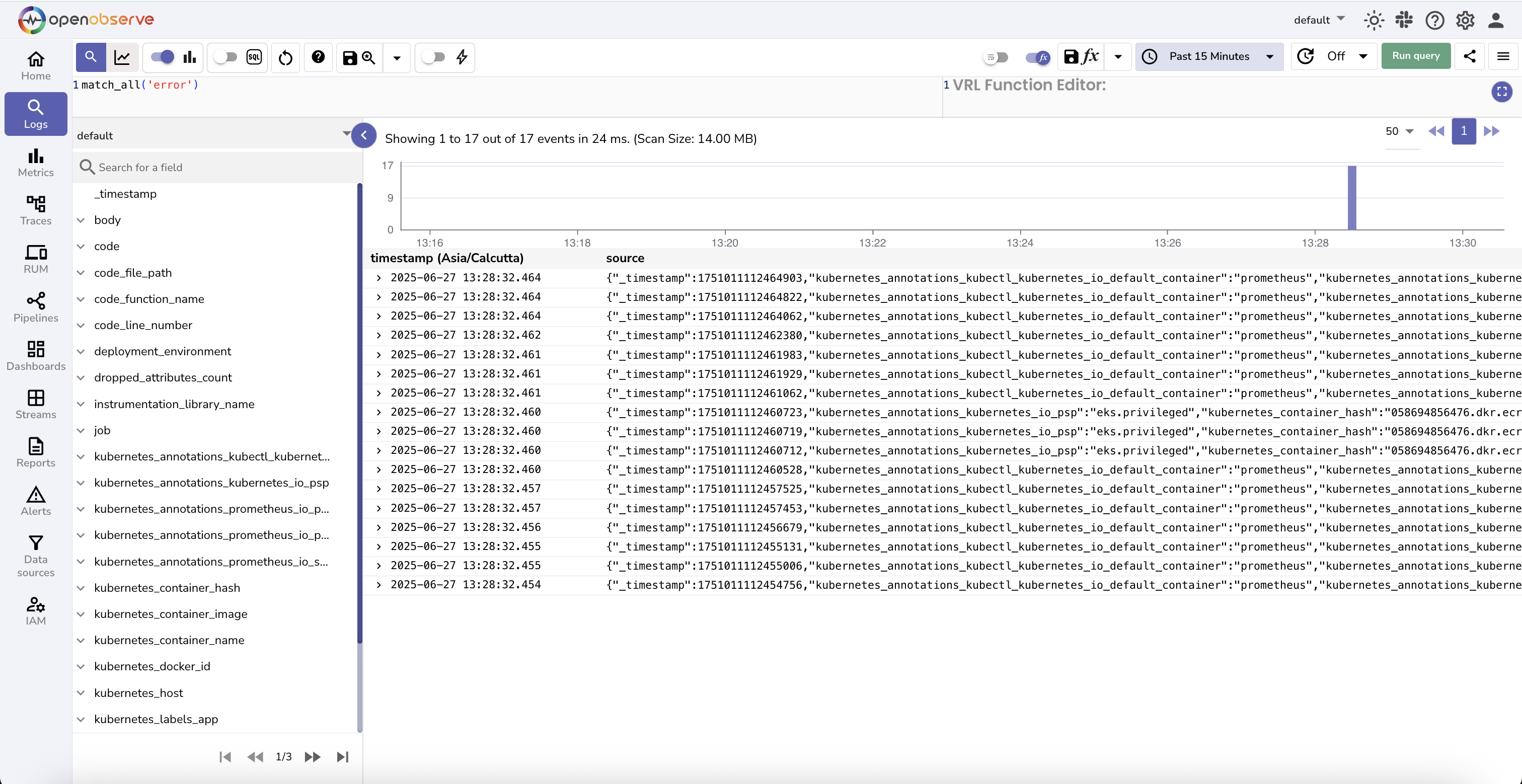
match_allsearches only the fields configured for full-text search. By default, these include:log,message,msg,content,data,body,json,error,llm_input,llm_output.- If you want more fields to be scanned, configure them under stream settings.
Search for "error" in just the log field (more efficient):
str_match(log, 'error')Numeric Field Filters
Find logs where code is exactly 200:
code = 200Find logs where code is missing (null):
code is nullFind logs where code has any value:
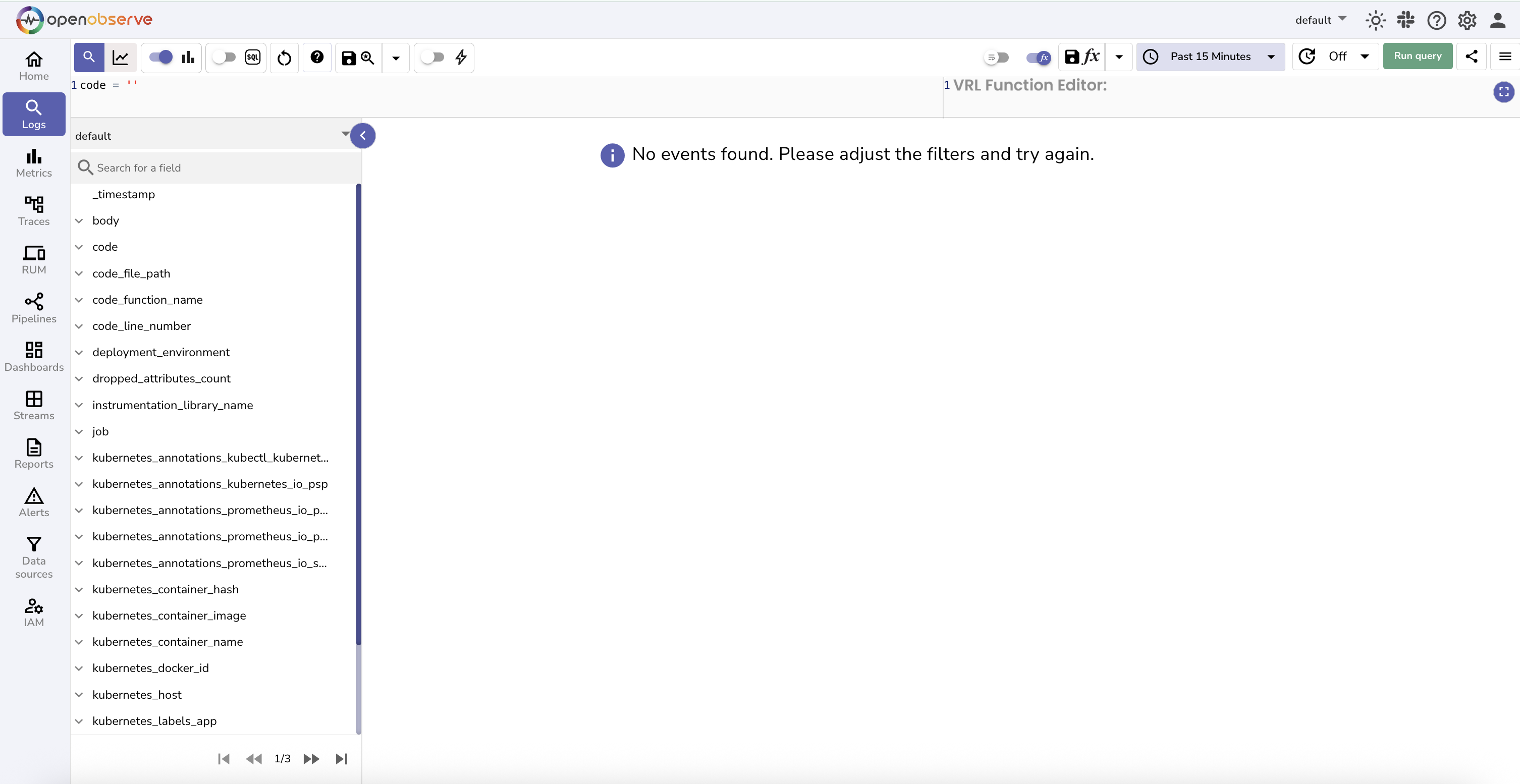
code is not nullAvoid code = '' or code != ''
These do not work properly for numeric fields. Use is null / is not null instead.
Logs where code is greater than 399:
code > 399Logs where code is greater than or equal to 400:
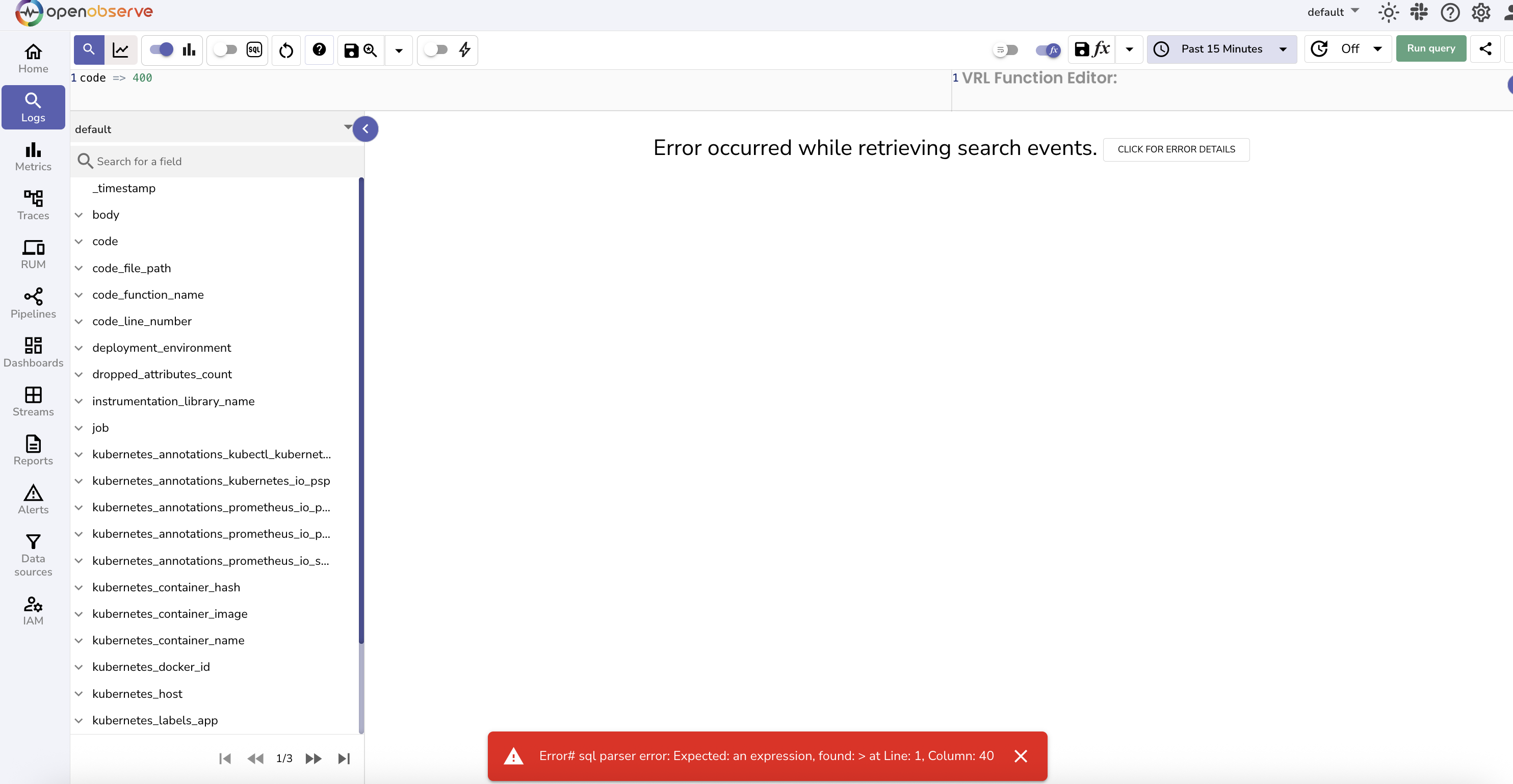
code >= 400code => 400 is invalid syntax
Always use SQL-compatible operators like >=.
Filtering using WHERE Clause
Filter by service and status code:
SELECT * FROM your_stream_name
WHERE service_name = 'api-gateway'
AND code >= 500Exclude health check logs:
SELECT * FROM your_stream_name
WHERE NOT str_match(log, 'health-check')Grouping and Counting
Group Logs over time
SELECT histogram(_timestamp) as ts, count(*) as total_logs
FROM your_stream_name
GROUP BY tsFind top 10 IP addresses by request volume:
SELECT
  client_ip,
  count(*) AS request_count
FROM your_stream_name
GROUP BY client_ip
ORDER BY request_count DESC
LIMIT 10Aggregations & Complex Queries
Histogram of log timestamps with status code counts:
SELECT
  histogram(_timestamp) AS ts_histogram,
  count(CASE WHEN code = 200 THEN 1 END) AS code_200_count,
  count(CASE WHEN code = 401 THEN 1 END) AS code_401_count,
  count(CASE WHEN code = 500 THEN 1 END) AS code_500_count
FROM your_stream_name
GROUP BY ts_histogramhistogram(_timestamp)bins timestamps into uniform intervals (e.g. hourly). You can configure the granularity in the UI or query if needed.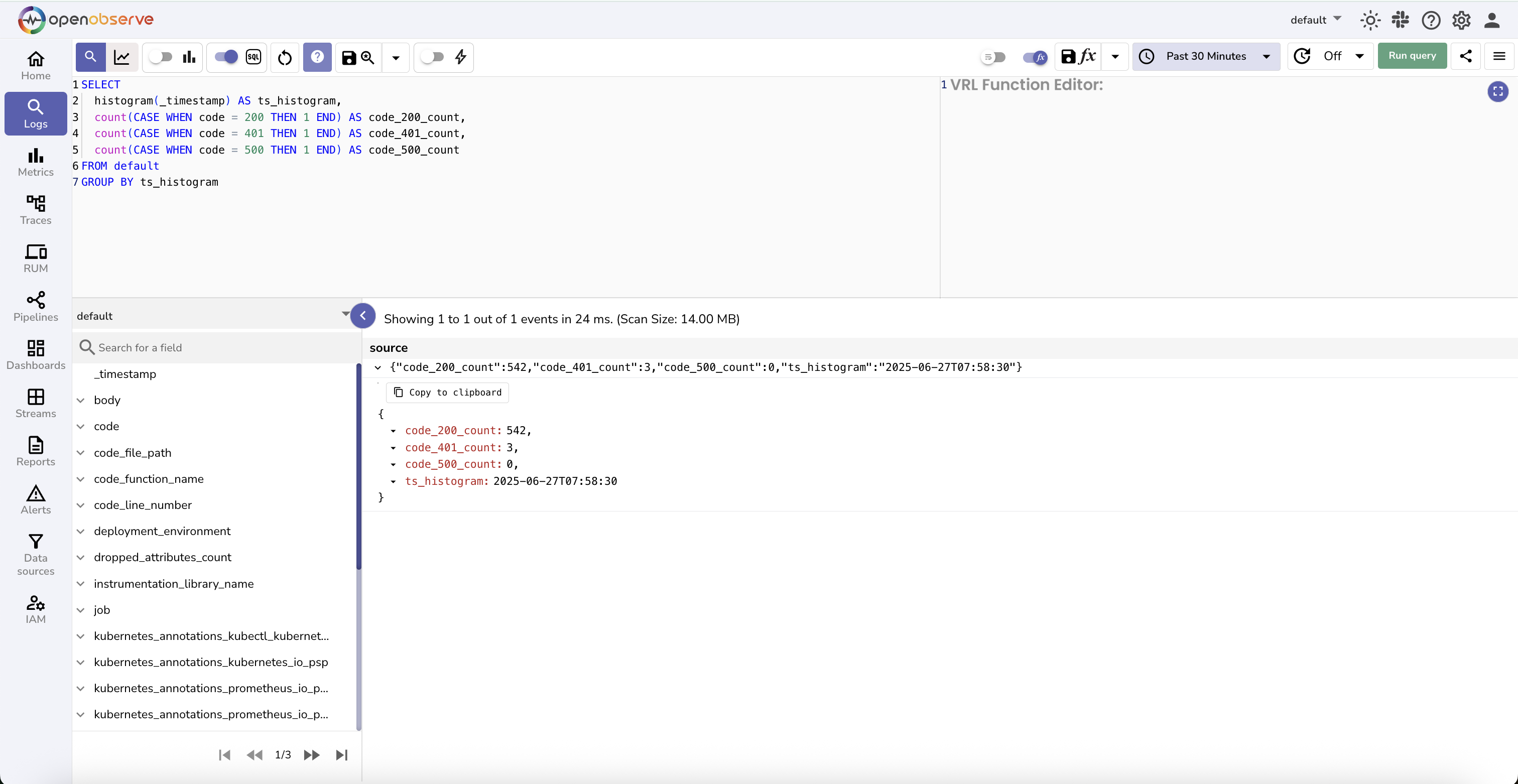
Next steps
- SQL functions reference: full list of functions you can use in queries.
- Full-text search: how
match_alland friends work under the hood. - Logs UI: where to run these queries.
Need some help?
- Join our Community Slack
- Or Contact support
Last updated on
Cross-Linking
Cross-Linking creates drill-down links from log records, trace records, and dashboard panels to external URLs using templates that substitute field values.
Telemetry
Learn what anonymized telemetry data OpenObserve collects, how it’s used to improve the product, and how to disable or request deletion at any time.