
Exemplars
Exemplars mark individual requests on a PromQL chart, so you can go from a spike straight to the trace that caused it. OpenObserve stores the exemplars that arrive with OTLP metrics and draws them on line, area, bar, scatter and heatmap panels that run a PromQL range query.
Turn exemplars on
Exemplars are off by default. A panel with exemplars off does not request them.
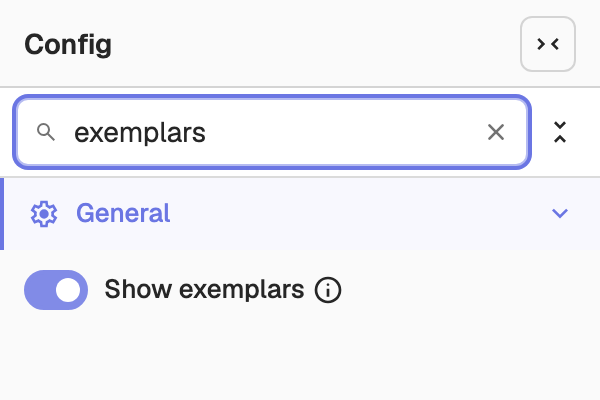
- For everyone: in the panel editor, open the Config tab and turn on Show exemplars. The setting is saved with the panel, so everyone who opens the dashboard sees the markers.
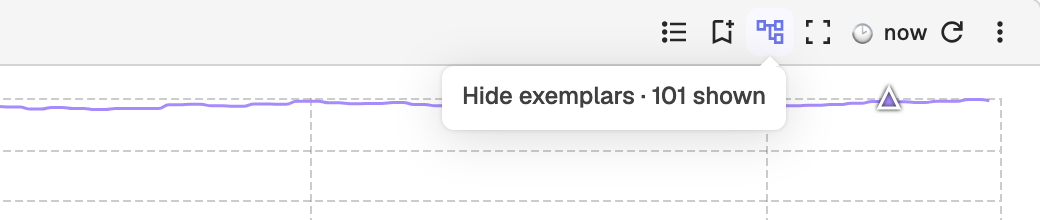
- For yourself: select the exemplars icon in the panel header or in full-screen view. Its tooltip reads Show exemplars (trace samples), or Hide exemplars with the number of markers shown while they are on. This turns exemplars on or off for you only, for the current browser session, and overrides the saved setting.
Read the markers
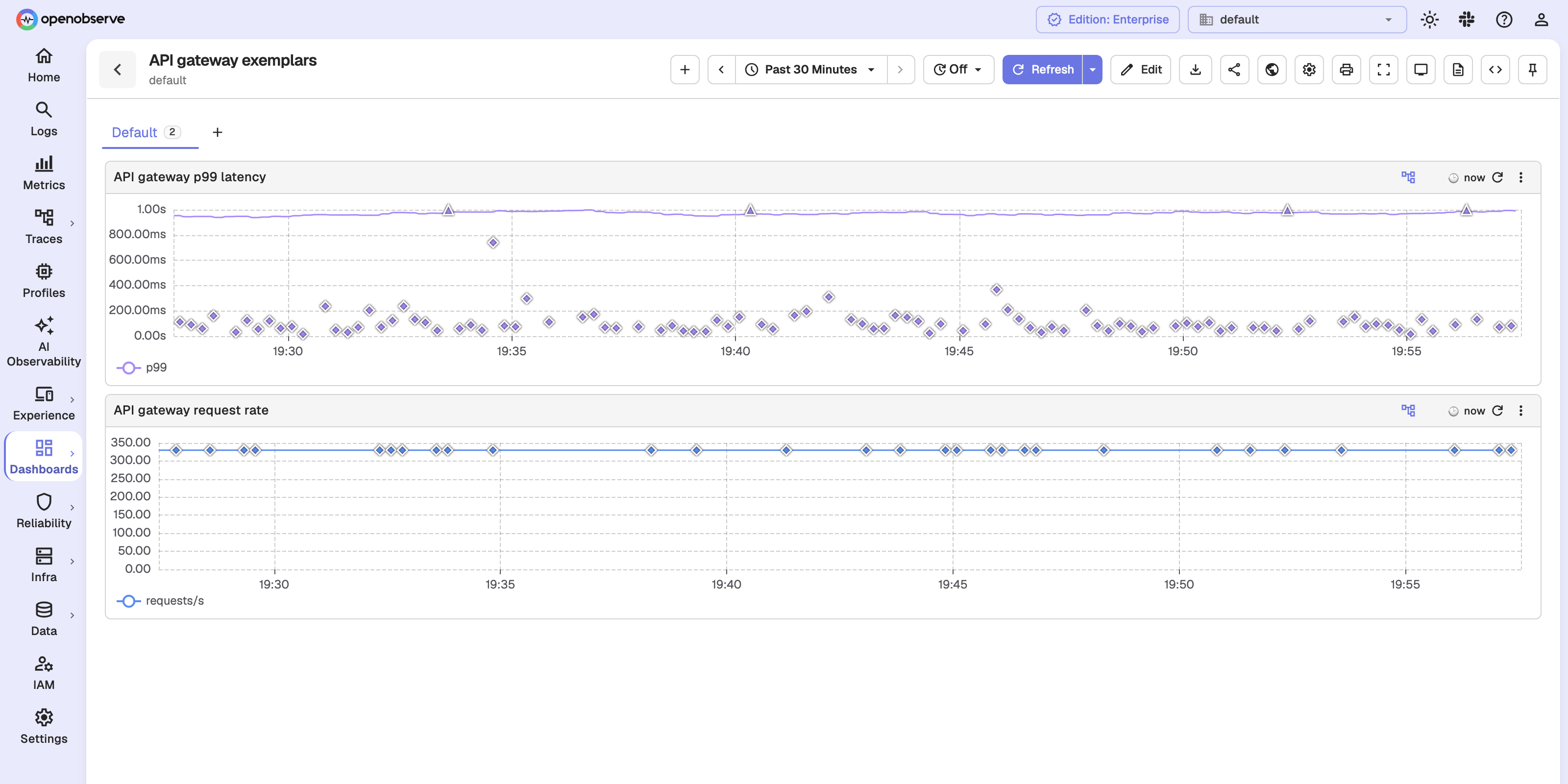
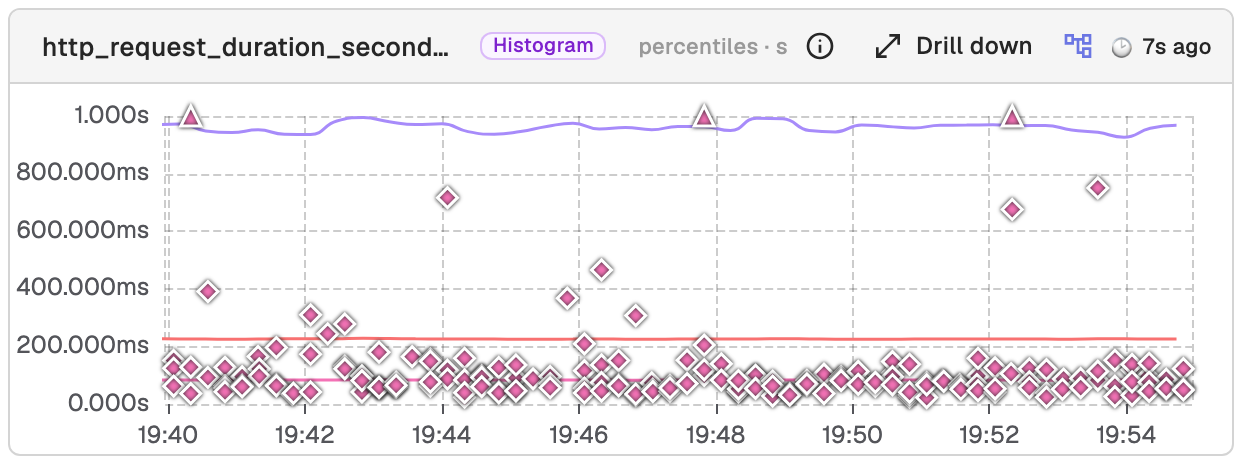
On a histogram_quantile panel, a marker sits at the exemplar's value. On other charts, such as rates and counters, it sits on its query's line at the exemplar's time. Values beyond the axis are drawn at its edge.
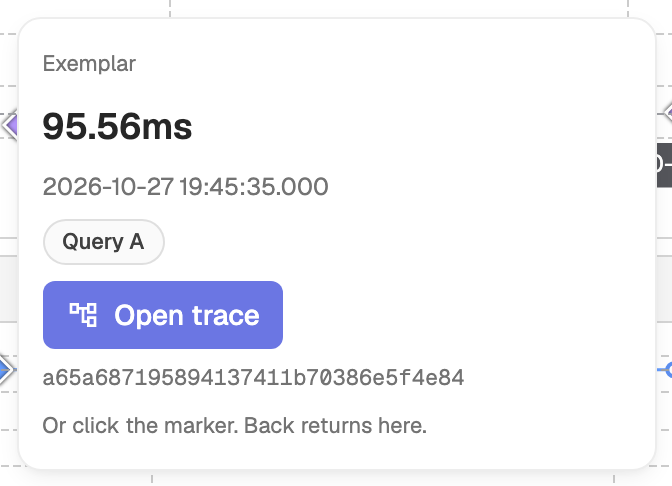
Hover a marker to see the value in the metric's own unit, the time, the query, the trace_id, and any other labels the exemplar carries.
Open the trace
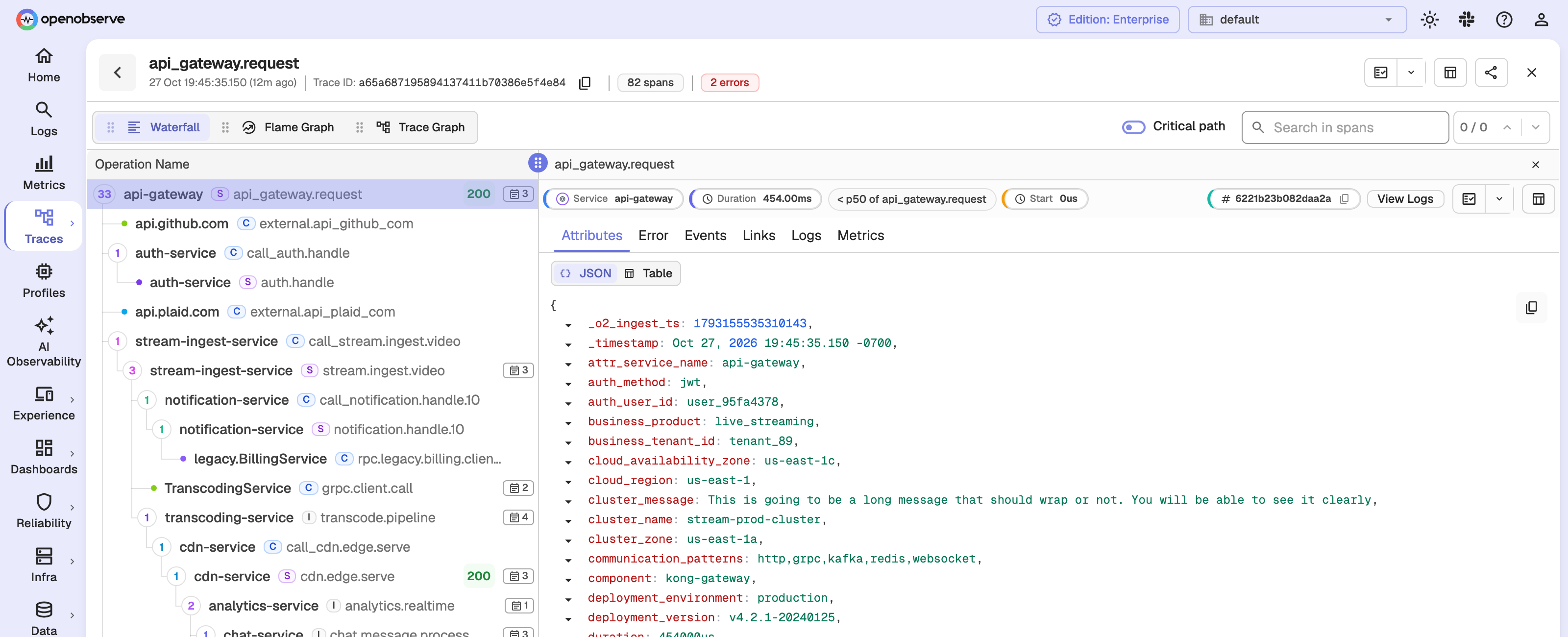
Select Open trace in the card, or click the marker, to open the trace with the exemplar's span selected. Browser Back returns to the panel. If the trace was not found in any stream, the card shows Trace not available — sampled out or past retention. If the lookup could not finish, for example because it timed out, the button reads Open trace (unverified).
Metrics explorer
In the metrics explorer, select Drill down on a metric card, then select Exemplars. While exemplars are on, the card also shows the exemplars icon, which turns them off. A histogram card, which shows a heatmap by default, switches to its percentiles view while exemplars are on.
Multi-Query Support
Configure multiple independent SQL queries in one dashboard panel to compare streams, overlay metrics, and toggle query visibility on the same chart.
Troubleshooting
Troubleshoot dashboard panel warnings and errors, including restricted query range, cached data, series limits, and incomplete data from interrupted queries.