Hands-on comparison of DataDog and OpenObserve for dashboard visualizations. DataDog's proprietary query syntax and premium tiers vs OpenObserve's SQL/PromQL queries, ECharts custom charts, and community dashboard library. Real test data shows 98% cost savings ($174/day vs $3/day) with identical dashboard capabilities and OpenTelemetry-native architecture.
OpenObserve Kubernetes Operator brings observability as code to platform teams. Manage alerts, pipelines, and functions as Kubernetes resources with GitOps workflows.
Real-world comparison of DataDog and OpenObserve for log management. SQL queries, automatic field discovery, and 90% cost savings. Tested with OpenTelemetry.
Traditional monitoring tools fail when you need them most. Learn how Rust-powered observability platforms solve memory safety issues and deliver reliable, high-performance monitoring at 60-90% and lower cost.
Learn how to set up comprehensive AKS monitoring with OpenObserve. Deploy the OpenObserve Collector to capture logs, metrics, and traces from your Azure Kubernetes clusters. Get unified observability with significant cost savings compared to Azure Log Analytics.
Discover how full-stack observability helps teams correlate telemetry across systems to cut MTTR, reduce data costs, and improve performance.
OpenObserve v0.16.1 delivers meaningful new features including Alert History for debugging monitoring reliability, Pipeline History for execution tracking, and automatic Log Pattern extraction that groups millions of logs into actionable insights. This release brings significant performance improvements with optimized indexing and query execution, alongside UI/UX refinements that enhance readability and usability across the platform. Teams can now better understand their system behavior, reduce alert fatigue through deduplication, and troubleshoot issues faster with comprehensive execution history and diagnostics.
Learn how to scale observability systems to handle Black Friday-level traffic without losing visibility. Discover best practices for ingestion tuning, query optimization, and resilience using OpenObserve.
Monitor NVIDIA H100, H200, and A100 GPUs with DCGM Exporter and OpenObserve. Complete setup guide with dashboards, alerts, and 89% cost savings vs traditional tools.
Learn how to effectively monitor your OpenObserve deployment, starting from system health metrics like CPU, memory, and network usage, to OpenObserve’s own internal metrics exposed in Prometheus format. This guide walks through best practices, setup steps, and configuration examples.
Import OpenObserve’s prebuilt Kubernetes dashboards for end-to-end visibility, trend analysis, and proactive alerts across clusters.
Deploy the OpenTelemetry Astronomy Shop demo and stream traces, metrics, and logs to OpenObserve with Helm. Easily configure OTLP and visualize everything in dashboards.
Turn on usage reporting in OpenObserve to see ingest volume, API activity, and errors captured in the _meta org for auditing and oversight.
Build SRE/DevOps metrics dashboards fast. Docker, Jenkins, Kubernetes, GitHub, Argo CD, Prometheus, Hosts: what to track, why, and importable JSON.
A practical guide to observability dashboards: what to track, how to design panels, and how to build them with examples for logs, metrics, and traces.
Learn how to collect HTTP metrics with Telegraf and send them to OpenObserve: copy‑paste configs, verification steps, and production best practices.
Learn how to design an enterprise observability strategy built on efficient logging, cost control, and unified insights to scale with complex systems.
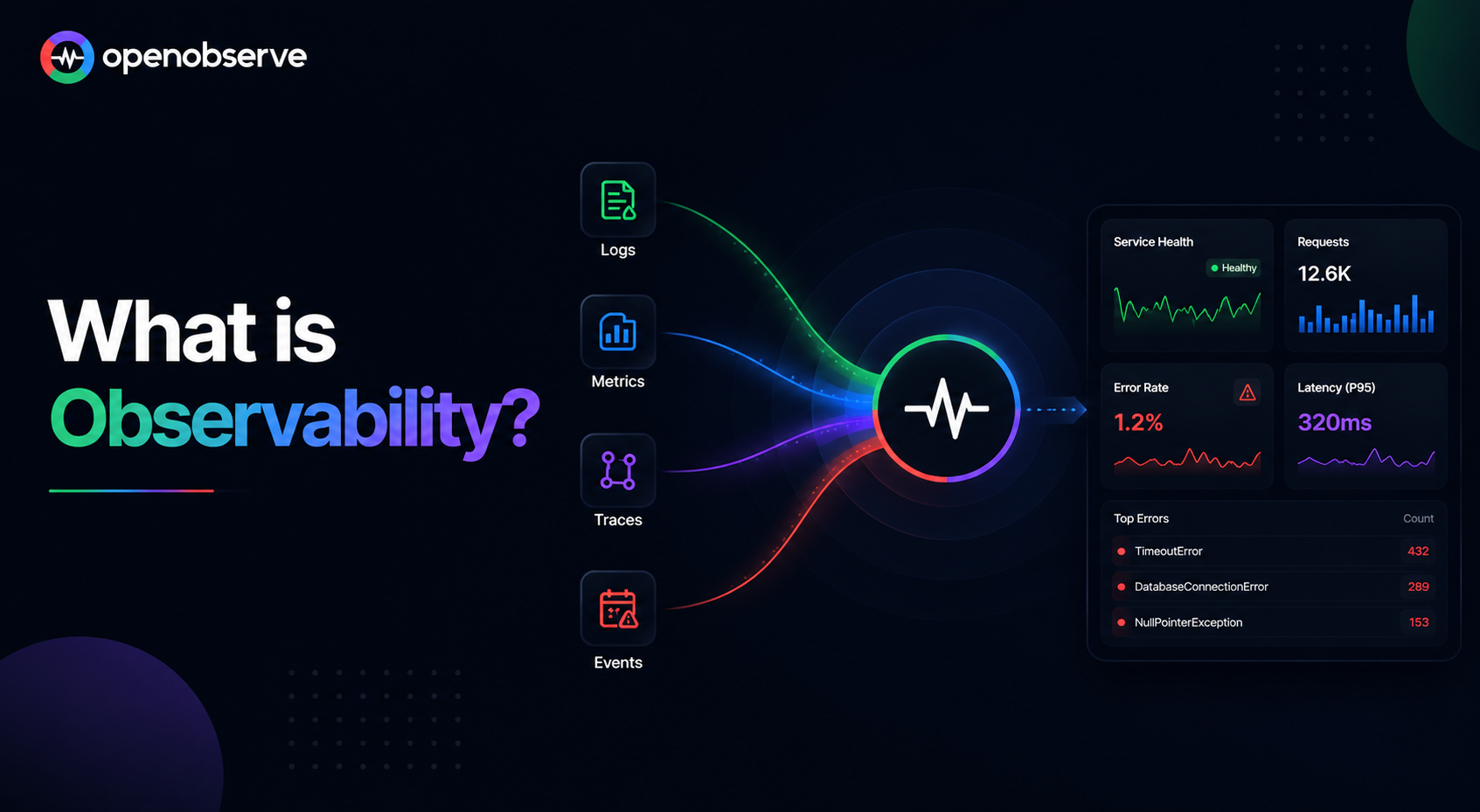
Learn how metrics, logs & traces work together to troubleshoot faster, reduce downtime and improve reliability in modern cloud-native apps.
Learn how to implement enterprise-grade error monitoring and observability for Retool applications. Compare native monitoring vs OpenObserve, setup workflows, configure dashboards, and establish best practices for tracking Retool app errors.
Monitor Linux systems with OpenObserve. Learn how to collect and analyze system logs, metrics, and security events for improved system visibility, troubleshooting, and compliance. Get insights into performance monitoring and security with OpenObserve.
Set up comprehensive Windows monitoring with OpenObserve. Collect, analyze, and visualize event logs, performance metrics, and security events for enhanced troubleshooting and system visibility.