Best Distributed Tracing Tools in 2026: A Complete Guide




Ready to get started?
Try OpenObserve Cloud today for more efficient and performant observability.
TL;DR
OpenObserve is the best distributed tracing tool in 2026 for teams that need unified observability. While Jaeger and Grafana Tempo are solid open source options for trace-only backends, OpenObserve uniquely combines distributed tracing with logs and metrics in a single platform, so you can correlate a trace with its underlying logs and infrastructure metrics without switching tools.
- Best unified tracing + logs + metrics: OpenObserve: one platform for all telemetry signals, correlated natively
- Best for OTel-native architecture: OpenObserve: accepts OTLP traces directly with no proprietary agents or SDKs required
- Best lightweight open source tracer: OpenObserve: single binary or Helm chart with no separate trace backend to manage
- Best for high-cardinality tracing: OpenObserve: columnar storage handles per-request and per-user trace attributes efficiently
- Best for Kubernetes microservices: OpenObserve: service mesh integration, pod-level visibility, and cross-service trace correlation
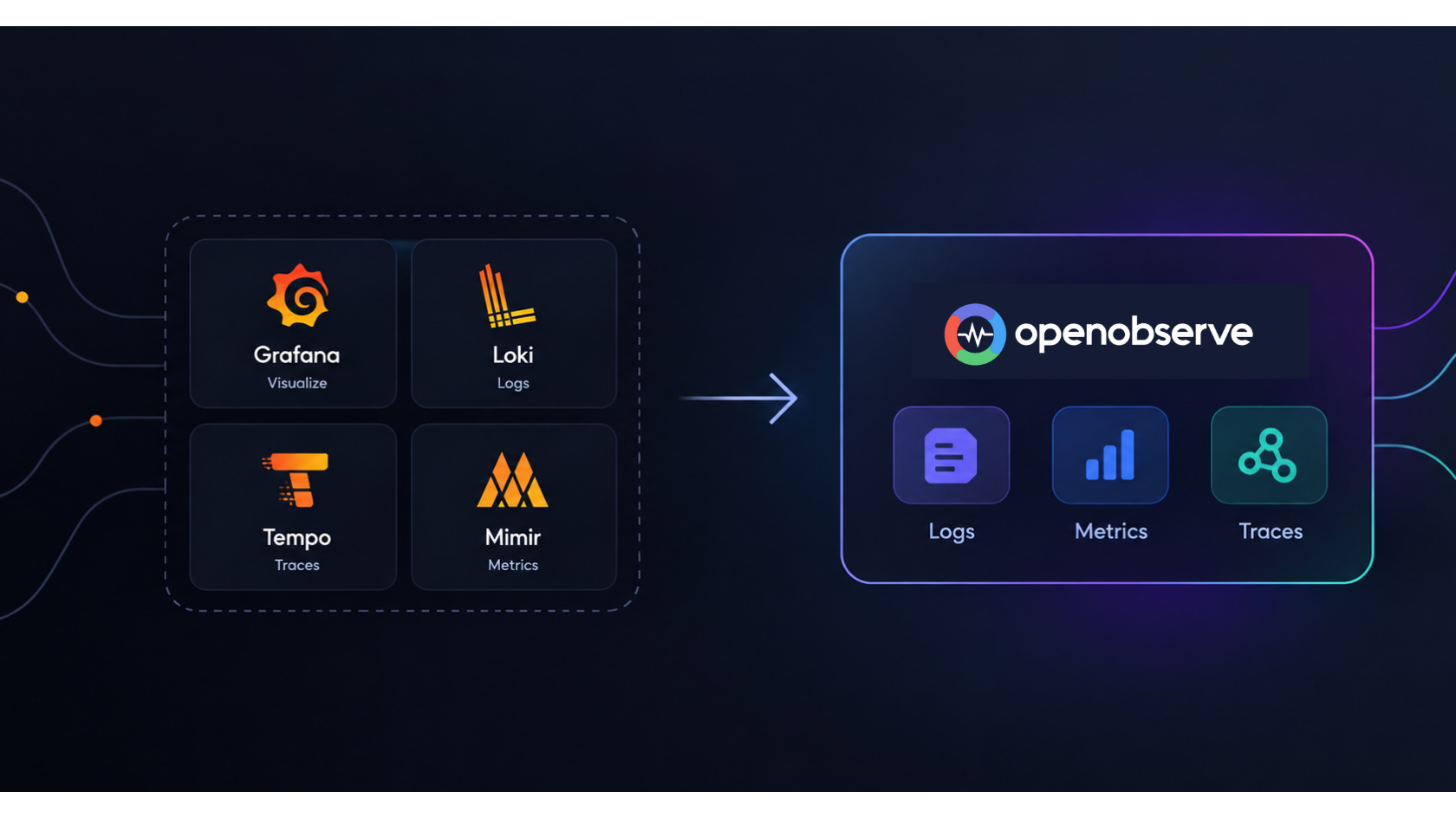
- Best for replacing Jaeger + Grafana: OpenObserve: eliminates separate Jaeger, Prometheus, and Grafana deployments with one tool
Distributed systems are the backbone of modern software. Whether you're running microservices on Kubernetes, serverless functions on AWS Lambda, or event-driven pipelines across cloud providers, a single user request can traverse dozens of services before completing. When something breaks or just slows down, you need to know exactly where and why.
That's where distributed tracing tools come in. Unlike logs and metrics that give you isolated snapshots, distributed tracing follows a request end-to-end across every service it touches, assembling a complete picture of latency, errors, and dependencies.
In this guide, we cover the best distributed tracing tools available in 2026: what they do well, where they fall short, and which teams should use them.
What Is Distributed Tracing?
Distributed tracing records the lifecycle of a request as it travels through a distributed system. Every step in that journey (a database call, an API request, a queue message) is captured as a span. Spans are grouped into traces, which give you a full timeline of what happened and how long each piece took.
Good distributed tracing helps you:
- Find performance bottlenecks: spot exactly which service or query is adding latency
- Debug errors in context: understand the full call path leading to a failure
- Map service dependencies: visualize how services communicate with each other
- Improve reliability: proactively catch slow paths before users notice them
To learn the fundamentals in depth, the OpenObserve distributed tracing guide is an excellent starting point.
The Distributed Tracing Tools at a Glance
| Tool | Type | Best For | Pricing |
|---|---|---|---|
| OpenObserve | Full-stack observability | Unified logs, metrics, and traces at low cost | Free (OSS) / Cloud plans |
| Jaeger | Trace-only | CNCF-native tracing backend | Free (OSS) |
| Grafana Tempo | Trace-only | Teams already on the Grafana stack | Free (OSS) / Grafana Cloud |
| Zipkin | Trace-only | Simple, lightweight setups | Free (OSS) |
| Honeycomb | Cloud SaaS | High-cardinality event analysis | Paid / Free tier |
| Datadog APM | Cloud SaaS | Enterprise, all-in-one monitoring | Usage-based pricing |
| New Relic | Cloud SaaS | Full-stack APM | Free tier + usage-based |
Distributed Tracing Tools for end to end tracing
Jump to the comparsion table for overview of different tools.
1. OpenObserve: Best Overall Distributed Tracing Tool
Website: openobserve.ai License: AGPL-3.0 (Open Source) Deployment: Self-hosted or managed cloud
OpenObserve is a modern, open-source observability platform that unifies logs, metrics, and distributed traces in a single system, without the operational complexity or high cost of legacy tools. Over 6,000 organizations, from Fortune 500 companies to fast-growing startups, rely on OpenObserve as their observability backbone.
Why OpenObserve is the best end to end tracing tool
Dramatically lower cost. OpenObserve is engineered for cost efficiency at scale. Its architecture delivers approximately 140x lower storage costs in typical log workloads compared to Elasticsearch-based stacks (actual results vary based on data entropy and cardinality). For teams dealing with high telemetry bills, this alone is a compelling reason to switch.
True unified observability. Most distributed tracing tools do one thing: traces. OpenObserve does everything. Logs, metrics, traces, and frontend monitoring all live in one platform with correlated data. When a trace shows latency in a service, you can pivot directly to the related logs and infrastructure metrics in the same UI, with no context-switching and no need to stitch together multiple tools.
OpenTelemetry-native. OpenObserve is built from the ground up to work with OpenTelemetry, the CNCF standard for telemetry instrumentation. It accepts traces via OTLP (OpenTelemetry Protocol), making it vendor-agnostic and easy to instrument with any language or framework.
Rich trace visualization. The distributed tracing feature in OpenObserve lets you visualize the complete journey of requests across services, understand service dependencies, and pinpoint the root cause of performance issues through an intuitive UI with flamegraphs and Gantt charts.
Petabyte-scale architecture. OpenObserve scales horizontally and leverages object storage (S3, GCS, Azure Blob) to handle petabyte-scale telemetry without requiring expensive dedicated infrastructure.
AI-powered anomaly detection. OpenObserve's built-in anomaly detection across logs, metrics, and traces helps SRE teams catch issues early, before they escalate to incidents. This is particularly useful in complex microservices environments where issues can be non-obvious.
OpenObserve for Specific Stacks
- Kubernetes monitoring: openobserve.ai/kubernetes-monitoring
- AWS environments: openobserve.ai/aws-monitoring
- Java Spring Boot tracing: Spring Boot + OpenTelemetry guide on the OpenObserve blog
- .NET applications: Distributed tracing in .NET with OpenObserve
Pros
- Approximately 140x lower storage costs in typical log workloads versus Elasticsearch-based stacks (actual results vary based on data entropy and cardinality), making it one of the most cost-efficient observability platforms available
- Unified logs, metrics, and traces in one platform with no need to manage separate tools for each signal
- OpenTelemetry-native with OTLP ingestion, fully vendor-agnostic, and compatible with any language or framework
- Rich trace visualization including flamegraphs, Gantt charts, and service dependency maps
- Petabyte-scale architecture using object storage for massive workloads at low infrastructure cost
- AI-powered anomaly detection across all three observability signals
- Supports both self-hosted and managed cloud deployments, suitable for compliance-sensitive and cloud-first teams
- Fully open source (AGPL-3.0) with an active community and transparent development
- Frontend monitoring and alerting included as part of a complete observability stack
Cons
- As a newer platform, its ecosystem of third-party integrations is still growing compared to Datadog or New Relic
Ideal For
OpenObserve is the best choice for engineering teams that want a complete observability platform rather than just a tracing backend, while keeping infrastructure costs manageable. It's particularly strong for cloud-native, microservices-heavy architectures running on Kubernetes or major cloud providers.
Getting Started
You can get started for free at cloud.openobserve.ai or self-host using Docker or Kubernetes via the official documentation.
2. Jaeger: Industry-Standard Open Source Tracing
Website: jaegertracing.io License: Apache 2.0 CNCF Status: Graduated project
Originally built by Uber and donated to the Cloud Native Computing Foundation (CNCF), Jaeger is one of the most widely deployed open source distributed tracing systems in the world. It provides end-to-end trace collection, storage, and visualization, and integrates natively with OpenTelemetry collectors.
Jaeger supports multiple storage backends including Cassandra (optimized for high write throughput) and Elasticsearch (for advanced trace search and filtering). It scales well for high-throughput systems and benefits from a deep ecosystem of integrations, Helm charts, and community documentation.
Pros
- CNCF Graduated project that is battle-tested and production-proven across thousands of organizations
- Native OpenTelemetry support with seamless compatibility with OTel collectors and OTLP exporters
- Flexible storage backends: Cassandra for high write throughput and Elasticsearch for advanced search
- Kubernetes-native with well-documented Helm charts, operators, and sidecar deployment patterns
- Free and open source under the Apache 2.0 license with no licensing cost and no vendor lock-in
- Strong community with extensive documentation, tutorials, and CNCF backing
Cons
- Traces only with no native logs or metrics, requiring additional tools such as Prometheus and Loki for full observability
- Significant operational overhead when running Elasticsearch or Cassandra at scale
- Basic UI that lacks the query power and polish of commercial or analytics-first tools
- No built-in alerting; requires integration with external alerting systems
- Correlating traces with logs and metrics requires manual integration across separate systems
Best for: Teams with existing CNCF infrastructure that need a proven, dedicated tracing backend and are comfortable operating separate tools for logs and metrics.
3. Grafana Tempo: Lightweight Trace Storage for the Grafana Stack
Website: grafana.com/oss/tempo License: AGPL-3.0 Deployment: Self-hosted or Grafana Cloud
Grafana Tempo is a horizontally scalable, cost-efficient distributed tracing backend that stores traces in object storage (S3, GCS, Azure Blob). It integrates tightly with the rest of the Grafana stack: Prometheus for metrics, Loki for logs, and Grafana dashboards for visualization.
Tempo requires no indexing of traces by default, which simplifies storage operations. However, because it relies on trace IDs for lookups, you typically need to correlate from metrics or logs to find a trace, which limits its usefulness as a standalone tool.
Pros
- Very low storage cost with object storage and no mandatory indexing
- Horizontally scalable and designed to handle high trace volumes efficiently
- Native integration with Grafana for trace-to-log and trace-to-metric correlation
- Free and open source under AGPL-3.0 with no licensing fees
- TraceQL provides a purpose-built query language for traces with growing capabilities
- Grafana Cloud offers a managed hosting option for teams that prefer not to self-host
Cons
- Not a standalone tool; requires Prometheus, Loki, and Grafana dashboards to be useful in practice
- Default lookup by trace ID only means you need metrics or logs as an entry point to find traces
- Multiple query languages across the stack (PromQL, LogQL, TraceQL) add a learning curve
- Running the full Grafana stack requires significant operational expertise
- Loki, its log companion, can struggle with high-cardinality log data at scale
Best for: Engineering teams already invested in Grafana, Prometheus, and Loki who want to add tracing without introducing a new vendor.
4. Zipkin: Simple and Lightweight
Website: zipkin.io License: Apache 2.0
Zipkin is one of the original distributed tracing systems, developed at Twitter. It's lightweight, straightforward to deploy, and has broad language support. For teams new to distributed tracing or running smaller microservices setups, Zipkin offers a low-friction starting point.
Pros
- Simple and lightweight with fast deployment, ideal for teams new to tracing
- Broad language support with instrumentation libraries for Java, Go, Python, Ruby, JavaScript, and more
- Low resource footprint, well-suited for small deployments without heavy infrastructure requirements
- Free and open source under Apache 2.0 with no cost and no vendor lock-in
- Long track record as one of the original distributed tracing tools with extensive online documentation
Cons
- Limited high-cardinality support and poor performance with complex, high-volume trace queries
- Outdated UI and query capabilities compared to modern alternatives
- No native OpenTelemetry ingestion; requires OTel exporters to forward data, adding configuration overhead
- Traces only with no logs, metrics, or alerting built in
- Slow development pace with infrequent new features compared to actively maintained alternatives
Best for: Small teams or greenfield projects that need a simple, self-hosted tracing tool with minimal setup.
5. Honeycomb: High-Cardinality Event Analysis
Website: honeycomb.io License: SaaS (paid)
Honeycomb takes an event-first approach to observability. Every span is treated as a rich, high-cardinality event with every field fully queryable. This makes Honeycomb exceptionally powerful for exploratory debugging, allowing you to slice and dice trace data in ways that aren't possible with traditional tools.
Its BubbleUp feature automatically surfaces anomalous patterns in your data, and its query interface is designed for engineers who don't yet know exactly what they're looking for.
Pros
- Best-in-class high-cardinality support with every span field fully queryable for deep exploratory debugging
- BubbleUp feature automatically surfaces anomalous patterns in trace data without requiring manual investigation
- Developer-friendly UX with an intuitive query builder and visual tools for rapid incident response
- Event-first data model that is richer and more flexible than traditional metric and trace paradigms
- Strong OpenTelemetry compatibility with native OTLP ingestion and no proprietary agents required
Cons
- Expensive at scale with pricing based on data ingestion volume that can grow quickly in high-throughput systems
- SaaS-only with no self-hosted option, which blocks teams with data residency or compliance requirements
- Primarily a tracing and events tool with more limited log and metric support compared to full-stack platforms
- Vendor lock-in risk since the query model and workflow are proprietary despite OTel ingestion support
- Costs can spike unexpectedly as teams add more instrumentation or traffic grows
Best for: Developer-centric teams that prioritize fast, exploratory debugging and can absorb the SaaS cost.
6. Datadog APM: Enterprise-Grade All-in-One
Website: datadoghq.com License: SaaS (paid)
Datadog is the incumbent in the enterprise observability market. Its APM product offers distributed tracing with deep auto-instrumentation, service maps, error tracking, and correlations with infrastructure metrics and logs, all in one platform. The breadth of Datadog's integrations is unmatched, supporting virtually every language, framework, and cloud provider out of the box.
Pros
- Unmatched integration breadth covering virtually every language, framework, cloud provider, and third-party service
- Deep auto-instrumentation requiring minimal manual setup to start collecting traces
- Polished, fast UI with service maps, flame graphs, and error tracking among the best in the industry
- Full-stack correlation with traces, logs, metrics, and infrastructure monitoring all natively connected
- Enterprise support and SLAs with compliance certifications including SOC 2 and HIPAA
- Continuous Profiler provides code-level performance profiling tied to traces
Cons
- Very expensive with pricing based on both data ingestion and per-host or per-user seats, making costs hard to predict
- Large telemetry footprints can generate significant, unpredictable monthly charges
- SaaS-only with no self-hosted deployment option for compliance-sensitive environments
- Proprietary agents are heavily promoted despite OTel support, creating vendor lock-in
- Complex pricing model with multiple separate products each carrying their own billing
Best for: Well-funded enterprise teams that want a fully managed, all-in-one platform and prioritize breadth of integrations over cost efficiency. For cost-conscious teams, OpenObserve provides comparable full-stack observability at a fraction of the price. See Top 10 Datadog Competitors in 2026 for alternatives.
7. New Relic: Full-Stack APM with a Generous Free Tier
Website: newrelic.com License: SaaS (free tier + usage-based paid)
New Relic offers distributed tracing as part of its broader APM and observability platform. It provides automatic instrumentation for many languages, transaction tracing, error analytics, and service maps, along with logs and infrastructure monitoring in one place.
Pros
- Generous free tier with 100GB of data ingestion per month at no cost, genuinely useful for smaller teams
- Full-stack APM covering traces, logs, metrics, browser monitoring, and infrastructure in one platform
- Broad auto-instrumentation supporting many languages and frameworks with minimal setup
- Well-designed UI with out-of-the-box dashboards and alerting workflows
- Infinite Tracing provides tail-based sampling that ensures important traces are always retained
- Hundreds of pre-built integrations with cloud services and third-party tools
Cons
- Costs escalate quickly with data volume; pricing based on ingestion becomes steep for data-heavy applications
- NRQL (New Relic Query Language) adds a learning curve for teams unfamiliar with a proprietary query syntax
- SaaS-only with no self-hosted option, a blocker for compliance-sensitive organizations
- Some plans charge per full-platform user, limiting team-wide access without additional cost
- Advanced features such as extended data retention and certain AI capabilities are gated behind higher pricing tiers
Best for: Teams that want a managed full-stack APM with a viable free tier for getting started. See Top 10 New Relic Alternatives in 2026 for open source options.
Detailed Comparison Table : Distributed Tracing Tools
| Feature | OpenObserve | Jaeger | Grafana Tempo | Zipkin | Honeycomb | Datadog APM | New Relic |
|---|---|---|---|---|---|---|---|
| Logs | Yes | No | No | No | Limited | Yes | Yes |
| Metrics | Yes | No | No | No | Limited | Yes | Yes |
| Traces | Yes | Yes | Yes | Yes | Yes | Yes | Yes |
| Frontend Monitoring | Yes | No | No | No | No | Yes | Yes |
| Alerting | Yes | No | Via Grafana | No | Yes | Yes | Yes |
| OpenTelemetry Native | Yes | Yes | Yes | Partial | Yes | Partial | Partial |
| Self-Hosted Option | Yes | Yes | Yes | Yes | No | No | No |
| Managed Cloud | Yes | No | Grafana Cloud | No | Yes | Yes | Yes |
| Open Source | Yes (AGPL-3.0) | Yes (Apache 2.0) | Yes (AGPL-3.0) | Yes (Apache 2.0) | No | No | No |
| AI Anomaly Detection | Yes | No | No | No | Partial | Yes | Partial |
| High-Cardinality Support | Good | Moderate | Moderate | Limited | Excellent | Good | Good |
| Petabyte-Scale Ready | Yes | With effort | Yes | No | Yes | Yes | Yes |
| Cost at Scale | Very low | Low (infra only) | Low (infra only) | Low (infra only) | High | Very high | High |
| Setup Complexity | Low | Medium | High | Low | Low | Low | Low |
How to Choose the Right Distributed Tracing Tool
With so many options, the right choice comes down to a few key questions:
1. Do you need more than just tracing? If you want logs, metrics, and traces in one place without managing multiple tools, OpenObserve is the clear winner. It eliminates the need to stitch together Jaeger, Prometheus, and Loki.
2. What's your budget? Open-source tools (OpenObserve, Jaeger, Tempo, Zipkin) are free to run and you pay only for infrastructure. Commercial tools (Datadog, New Relic, Honeycomb) can become expensive at scale. OpenObserve's cloud plans offer managed hosting at significantly lower cost than commercial SaaS incumbents.
3. Do you need self-hosted or cloud? For teams with data residency requirements or tight security policies, self-hosted open-source tools are the only viable option. OpenObserve supports both deployment models.
4. Are you standardizing on OpenTelemetry? If your team is adopting OpenTelemetry (highly recommended), choose a backend that natively supports OTLP ingestion. OpenObserve, Jaeger, and Grafana Tempo all support OTel natively.
5. What scale are you operating at? For petabyte-scale workloads, you need a tool designed for high-throughput ingestion and efficient storage. OpenObserve's architecture is specifically built for this, using object storage to keep costs low even at massive scale.
OpenTelemetry: The Instrumentation Layer You Need
Regardless of which tracing backend you choose, OpenTelemetry should be your instrumentation standard. OTel is a CNCF project that provides vendor-neutral SDKs, APIs, and a Collector for generating and exporting traces, metrics, and logs.
By instrumenting with OpenTelemetry, you avoid vendor lock-in and can switch backends or run multiple backends simultaneously without re-instrumenting your services. Most modern distributed tracing tools including OpenObserve are fully compatible with OTel.
For a practical guide on getting started with OpenTelemetry and OpenObserve, see the OpenObserve OpenTelemetry documentation.
Conclusion
The distributed tracing tools landscape in 2026 is mature, competitive, and genuinely capable across the board. Here's a quick summary:
- Best overall: OpenObserve - unified observability, OpenTelemetry-native, dramatically lower storage costs, open source
- Best dedicated tracing backend: Jaeger - proven, CNCF-graduated, deep ecosystem
- Best for Grafana shops: Grafana Tempo - lightweight, object-storage-based
- Best for exploratory debugging: Honeycomb - high-cardinality, event-first
- Best enterprise SaaS: Datadog APM - broadest integrations, highest cost
For most engineering teams, especially those managing multiple observability tools or facing high SaaS bills, OpenObserve hits the sweet spot: full-stack observability, production-proven scale, open-source flexibility, and dramatically lower infrastructure costs.
Ready to get started? Try OpenObserve for free or explore the self-hosted documentation.
Further reading:
Frequently Asked Questions
About the Author
Simran Kumari

Passionate about observability, AI systems, and cloud-native tools. All in on DevOps and improving the developer experience.
Follow OpenObserve on Google
Add OpenObserve as a preferred source to see more of our articles in Google Search and Top Stories.