
Metrics
OpenObserve provides comprehensive metrics collection, storage, and visualization capabilities for monitoring your applications and infrastructure performance in real-time.
Overview
Metrics in OpenObserve enable you to track key performance indicators, monitor system health, and gain insights into your application's behavior over time. Designed for high-throughput environments, OpenObserve efficiently handles metrics ingestion, storage, and querying at scale while maintaining cost-effectiveness.
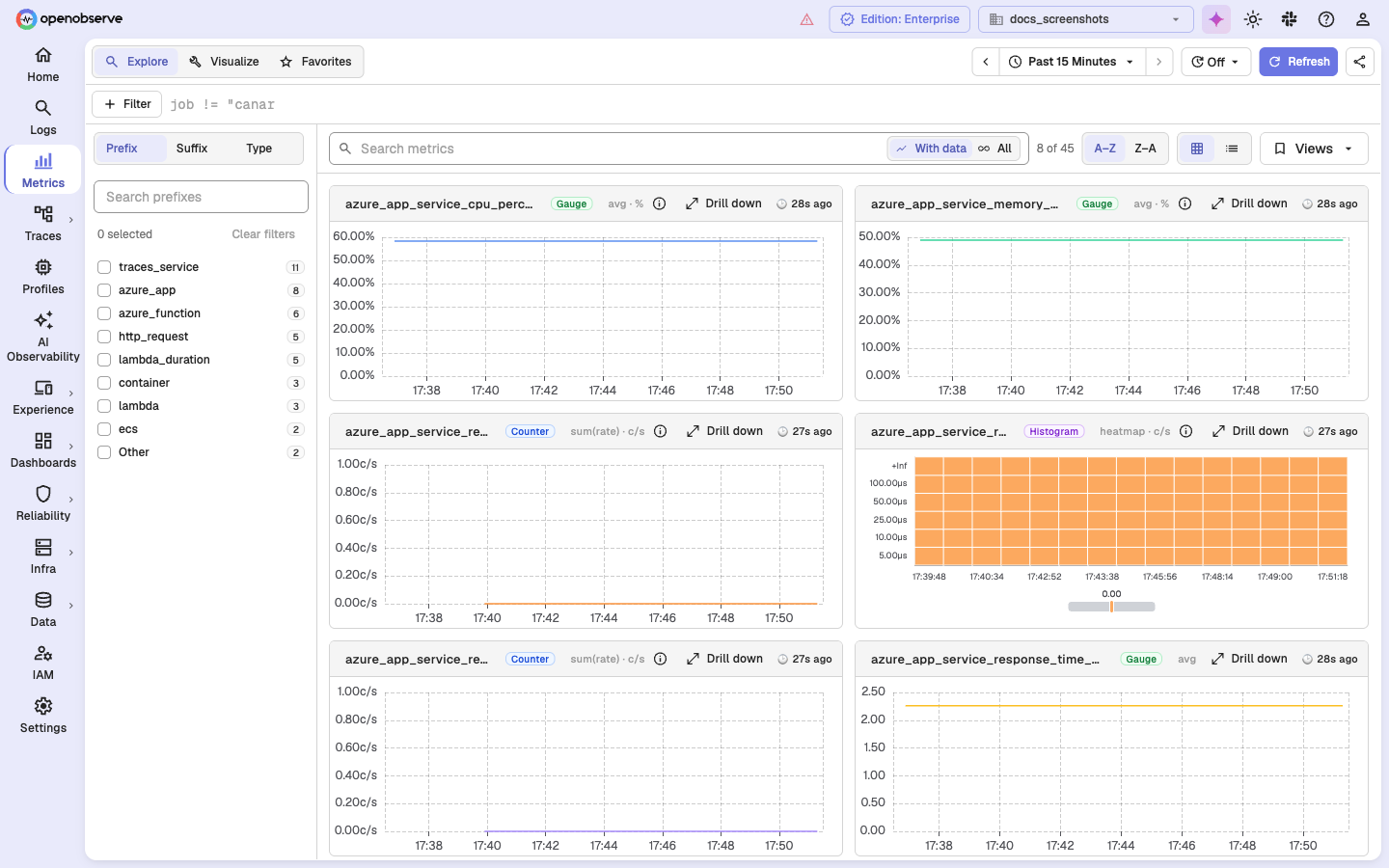
The Metrics page opens on Explore, a grid of charts for your metric streams. Use Visualize to build a chart from your own PromQL or SQL query, and Favorites to return to saved views.
Key Features
Metrics Ingestion
- Multiple Formats: Support for multiple formats including Prometheus remote-write and structured JSON metrics via HTTP ingestion.
- Push & Pull Models: Supports push-based ingestion and integration with systems like Prometheus for pull-based scraping.
- High Throughput: Handle millions of metrics per second with minimal latency.
- Optimized Processing: Optimized ingestion pipelines for high-throughput environments.
Metric Structure
- Time Series Data: Native support for time-series metrics with timestamp precision.
- Multi-dimensional: Handle metrics with multiple labels and dimensions for detailed analysis.
- Aggregation Functions: Built-in support for common aggregation functions (sum, avg, min, max, count).
- Custom Metrics: Flexible schema for application-specific metrics and KPIs.
Query & Analysis
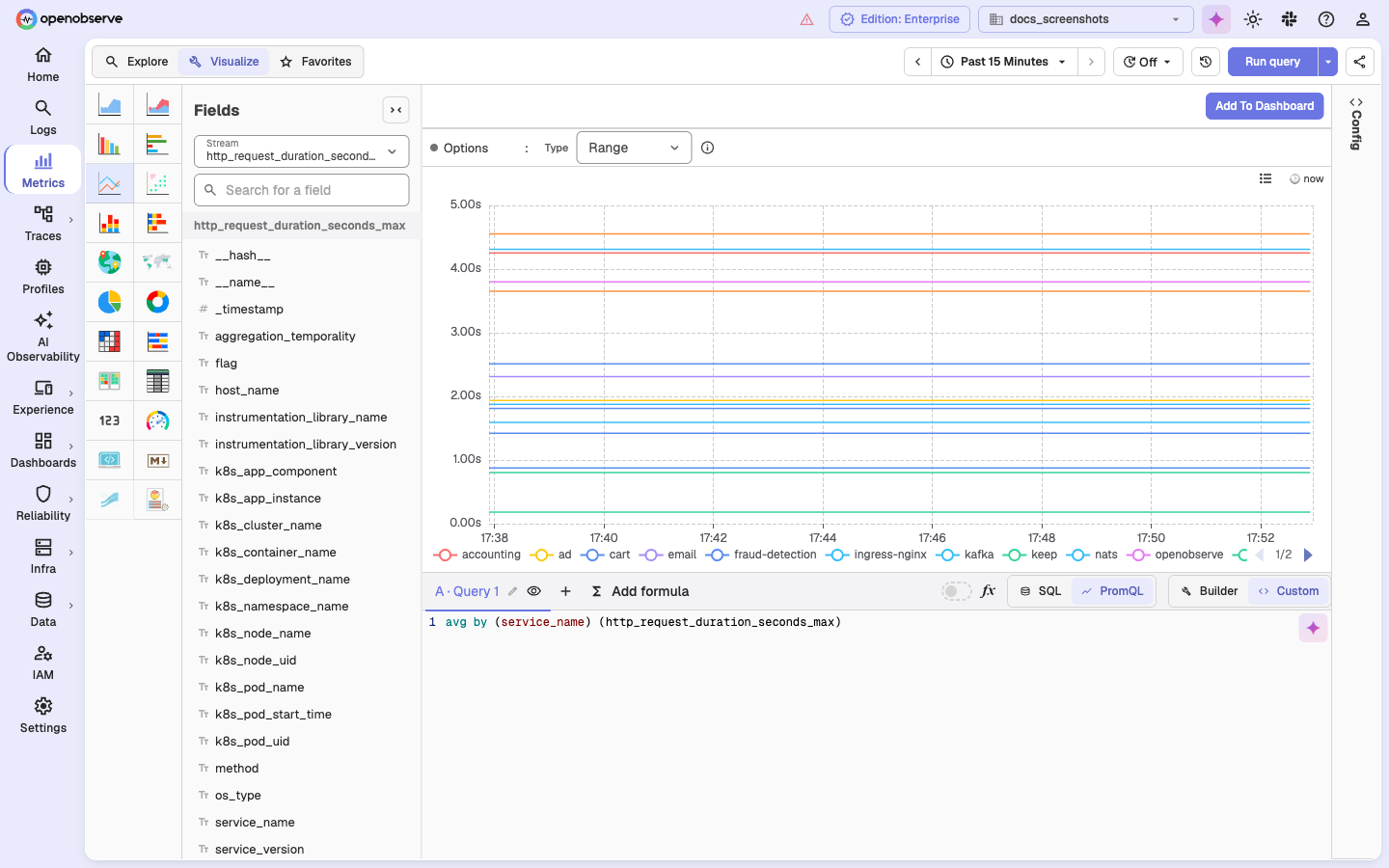
- PromQL Support: Full compatibility with Prometheus Query Language for familiar querying.
-
SQL Interface: Use SQL syntax for complex metrics analysis and reporting.
-
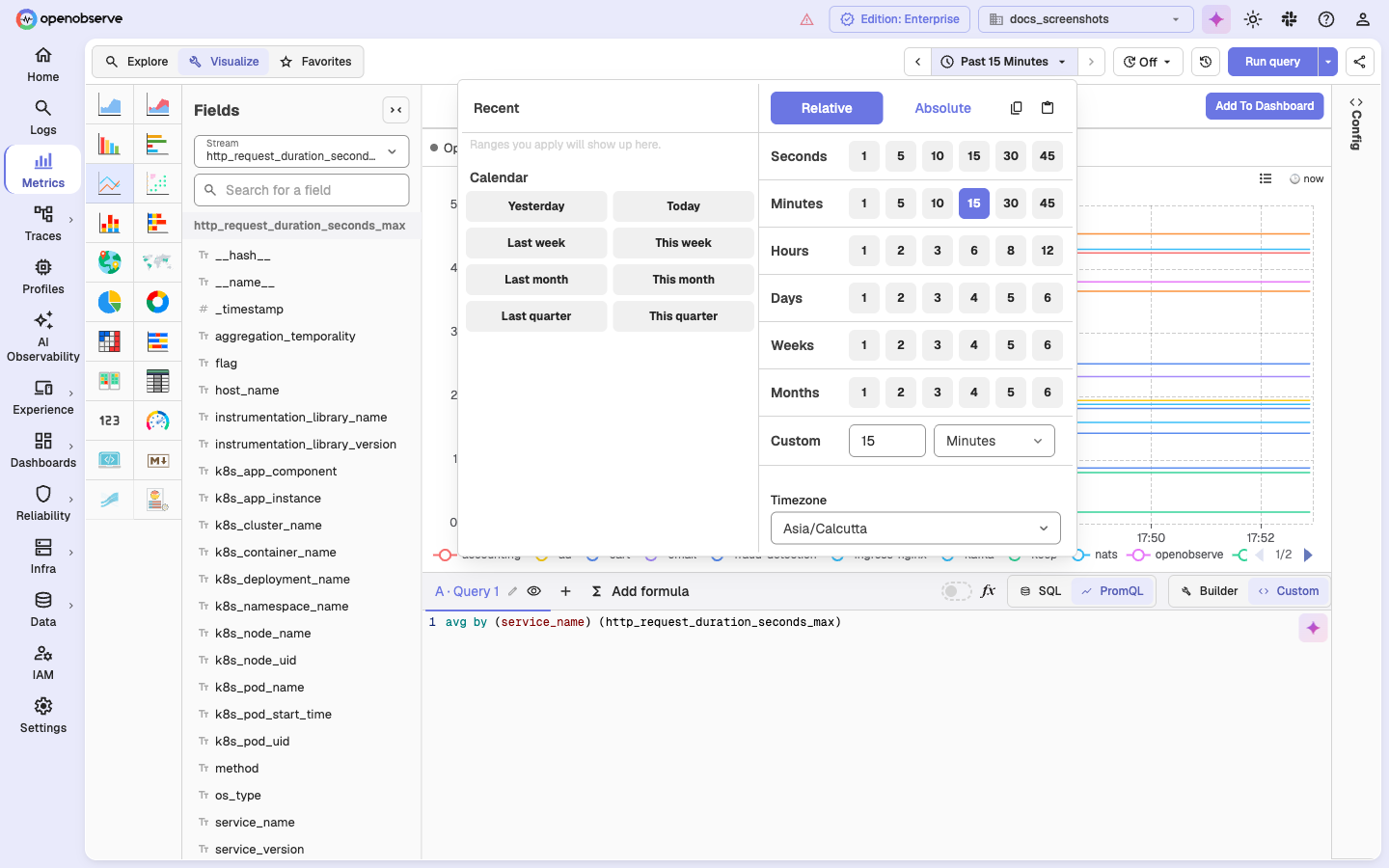
Time Range Selection: Flexible time range queries with support for relative and absolute time periods.
- Mathematical Operations: Perform calculations and transformations on metrics data.
Visualization & Dashboards
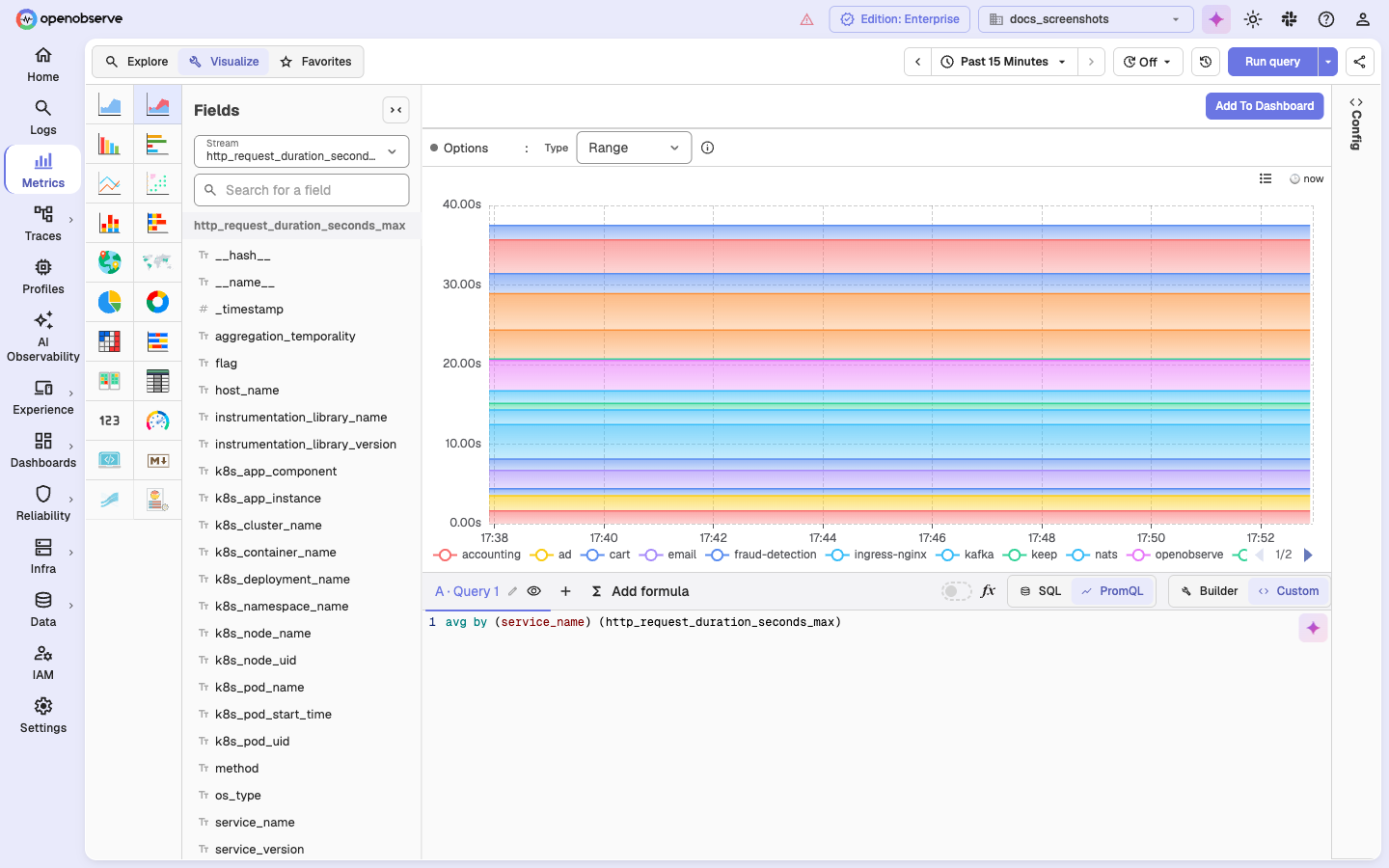
- Real-time Charts: Interactive time-series visualizations with multiple chart types.
-
Custom Dashboards: Create comprehensive dashboards with multiple metrics panels.
-
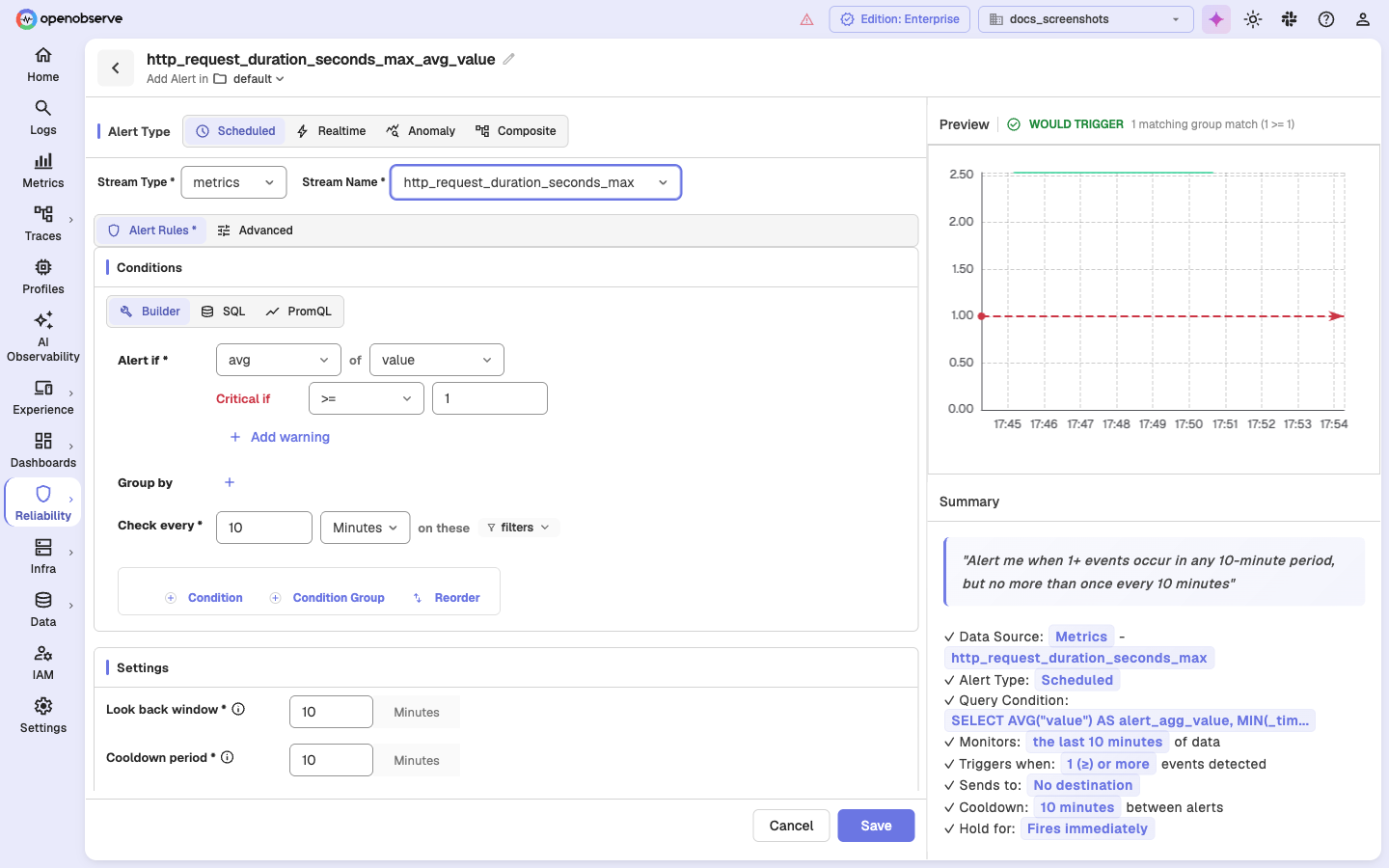
Alerting Integration: Set up alerts based on metrics thresholds and conditions.
- Share Metrics Views: Share an exact metrics view with your team by copying a URL from the Share Link button (share icon) in the metrics toolbar. The URL encodes your current panel configuration — chart type, queries (PromQL or SQL), stream selection, time range, and refresh interval — so recipients see the same chart and data. Opening a shared link auto-restores the view and runs the query immediately.
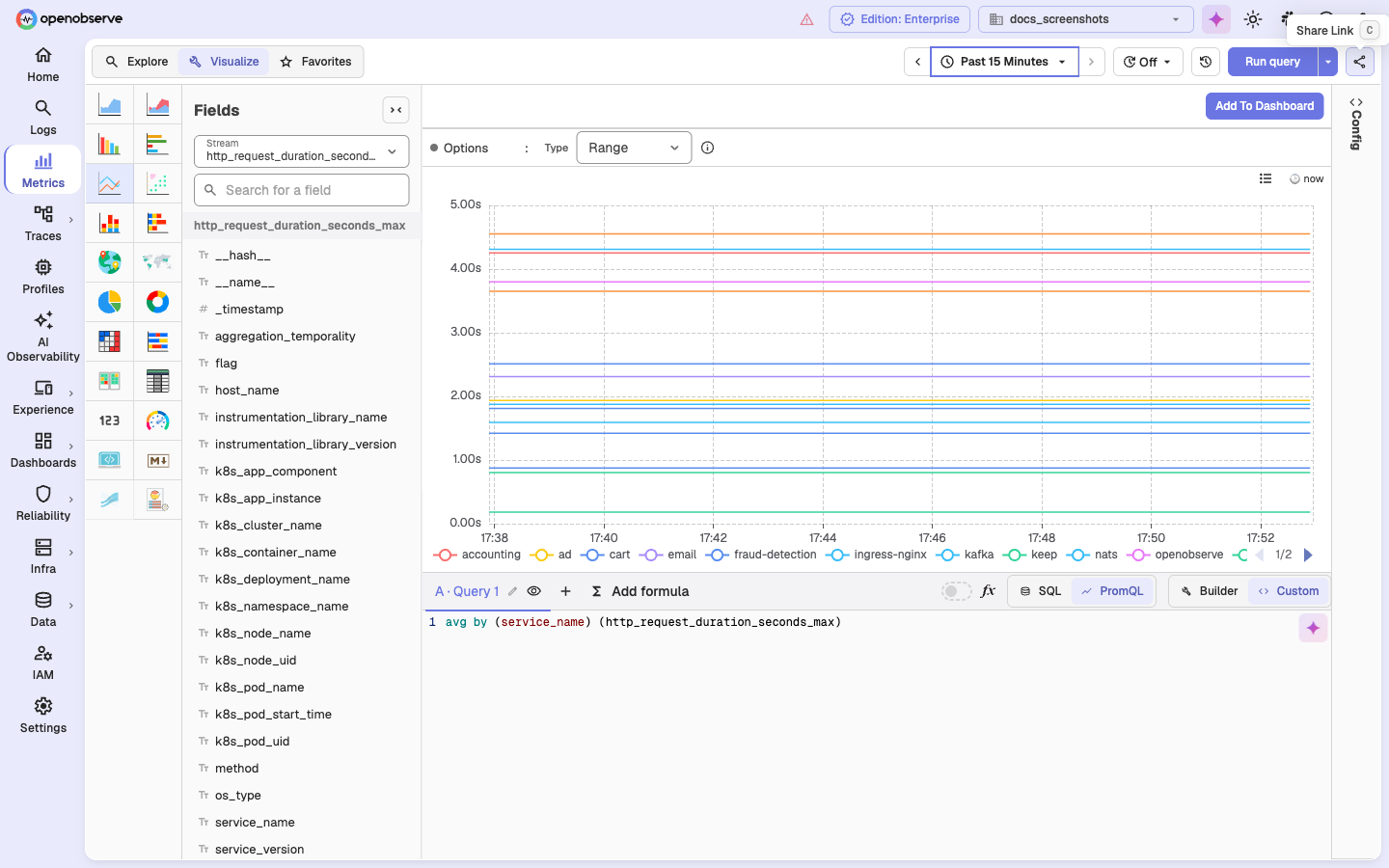
The share URL carries the full panel state as a versioned base64 blob in the metrics_data query parameter. The metrics page also accepts lightweight deep-link overrides (chart_type, query_type, stream_name, query) for programmatic linking from alerts, dashboards, and other pages.
Storage & Performance
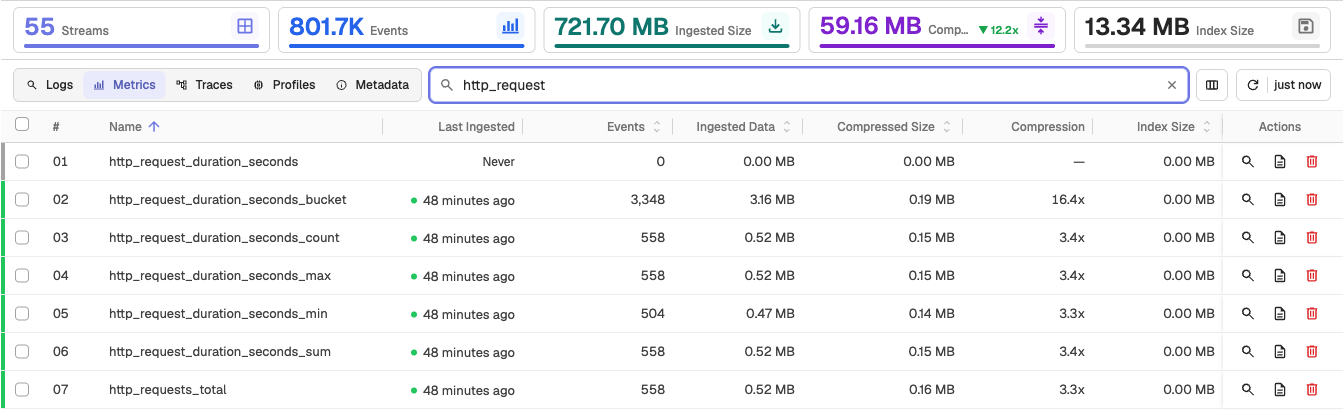
- Optimized Compression: Advanced compression algorithms reduce storage costs.
-
Efficient Indexing: High-performance indexing for fast query execution across large datasets.
-
Downsampling: Automatic data downsampling for long-term storage optimization.
-
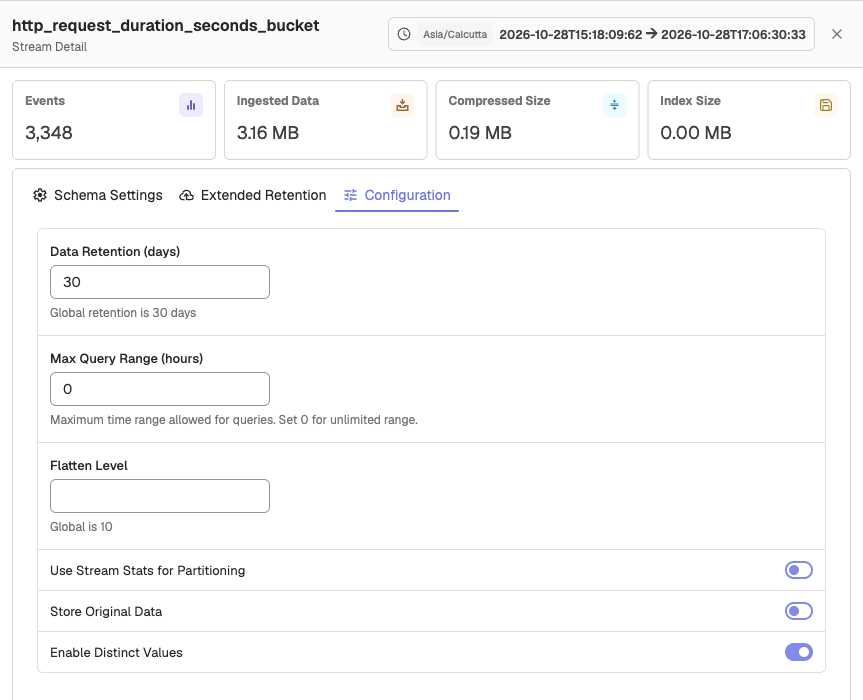
Retention Policies: Set data retention per stream in the Configuration tab of the Stream Detail panel to balance storage costs and data availability, and use Extended Retention to keep selected data longer.
Integration & Compatibility
- Prometheus Compatible: Full compatibility with Prometheus ecosystem and exporters.
- OpenTelemetry Ecosystem: Full compatibility with OpenTelemetry collectors and instrumentation libraries.
- API Access: RESTful APIs for programmatic access to metrics data.
- Standard Exporters: Support for popular metrics exporters (Node Exporter, cAdvisor, etc.).
Get started with metrics
Ready to send your first metrics to OpenObserve?
- Quickstart: get OpenObserve running in 5 minutes.
- Prometheus remote-write: the most common path for metrics ingestion.
- Telegraf: collect metrics from Telegraf agents.
Next steps
- OpenTelemetry / OTLP: unified ingestion for logs, metrics, and traces.
- Dashboards: visualize metrics alongside logs and traces.
- Alerts: notify on metric thresholds and anomalies.
- Downsampling: keep long-term metrics affordable.
Need some help?
- Join our Community Slack
- Or Contact support
Log Management
Collect, store, search, and analyze logs at scale with OpenObserve: multiple ingestion protocols, full-text and SQL search, and configurable retention.
Distributed Tracing
Track requests across microservices with OpenObserve distributed tracing: OpenTelemetry-native ingestion, Gantt views, service maps, and fast trace search.